Software guides
Step-by-step walkthroughs for the tools we use in class: DaVinci Resolve, Premiere Pro, camera apps and more. Follow along at your own pace, or press Play and let each guide talk you through it.
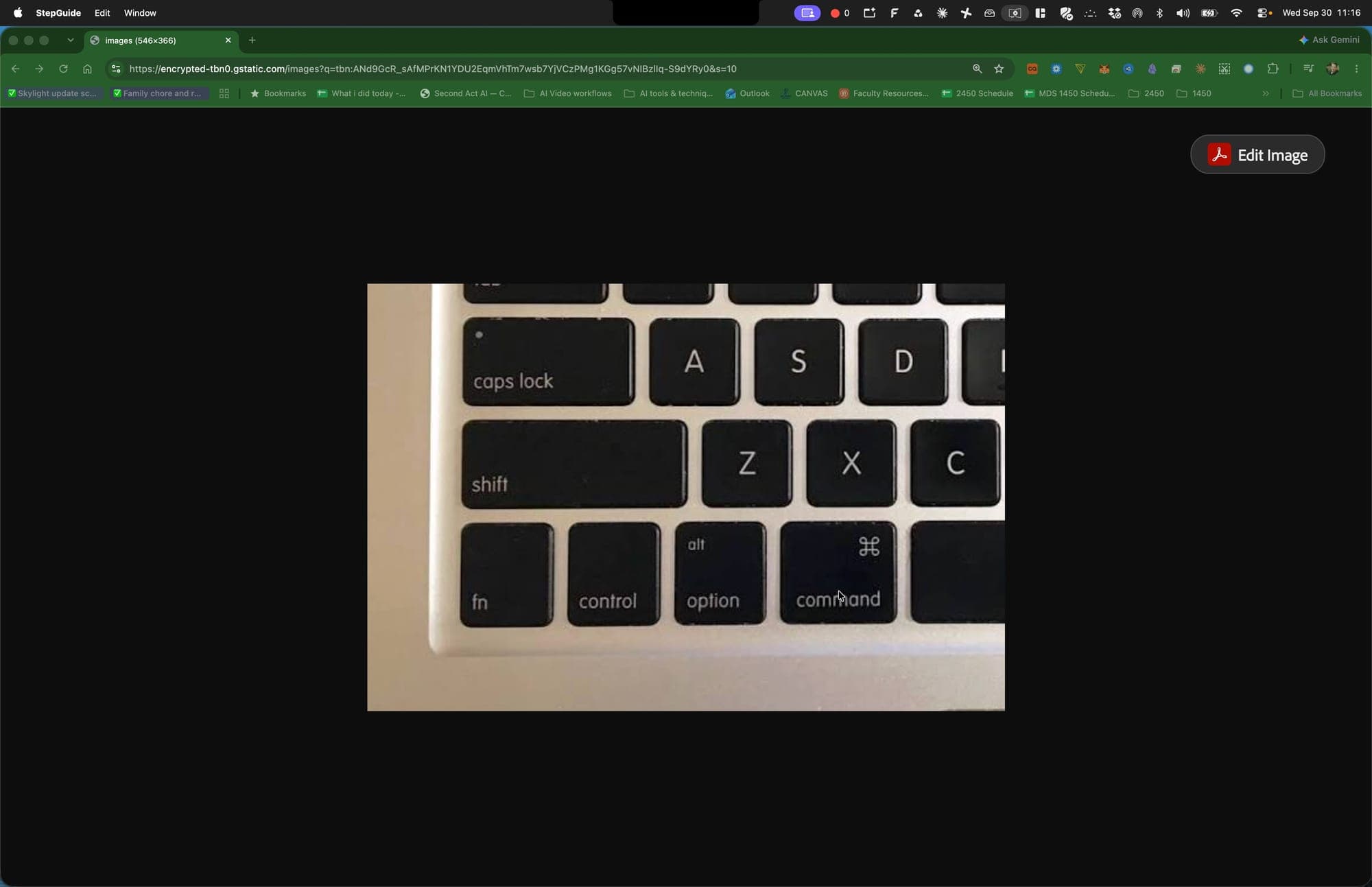
Master Essential Mac Keyboard Shortcuts
Learn the core macOS shortcuts for switching apps, launching and finding software, navigating the Finder, creating folders and taking screenshots. Practice each one until it becomes muscle memory so you can work faster in any editing software.
Finder · Spotlight · Google Chrome · Adobe Premiere Pro · Preview · 35 steps
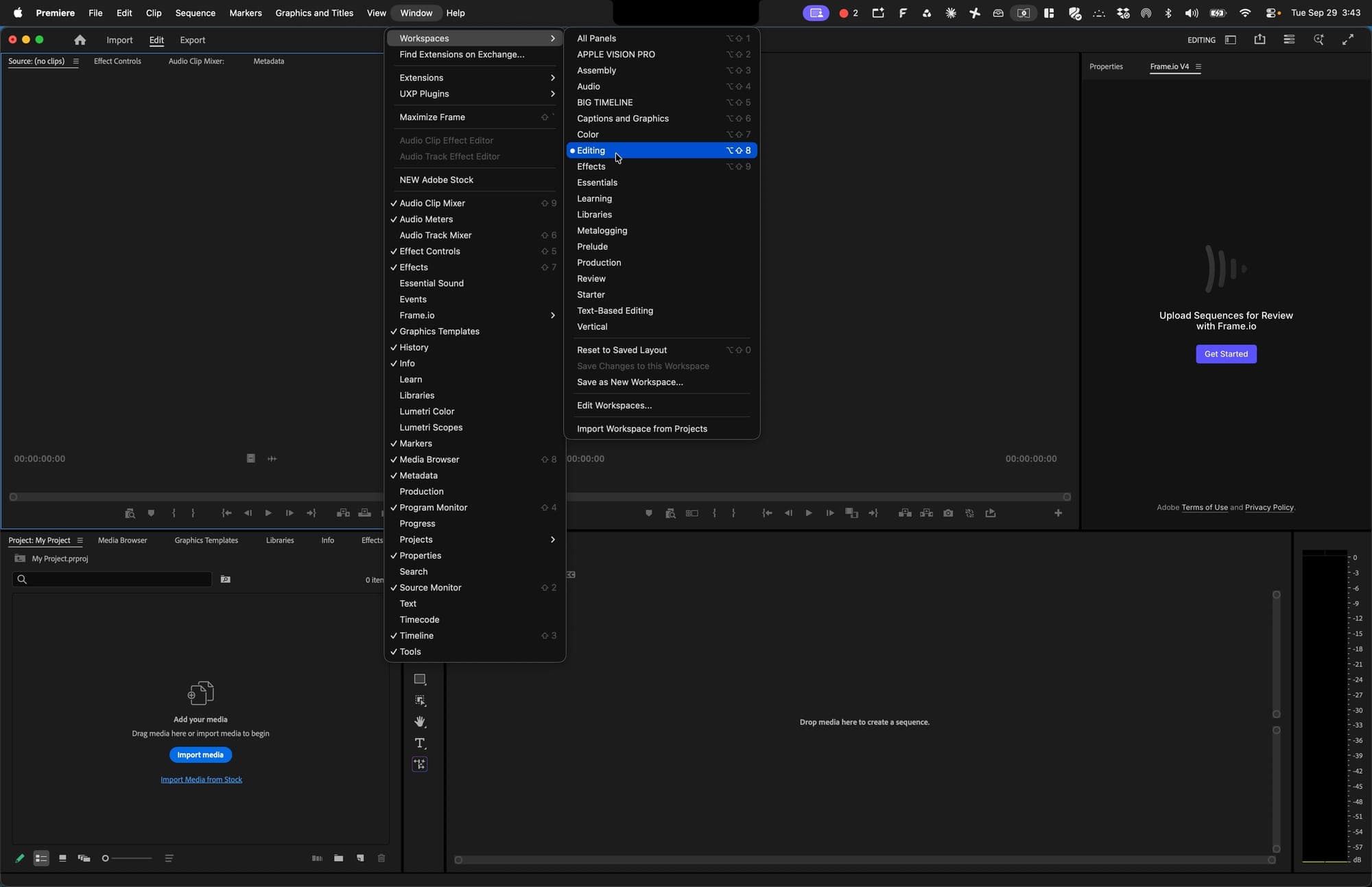
Import Media and Create a Sequence in Premiere Pro
Reset your Premiere Pro workspace, import and preview your project media, and navigate the Project panel. You'll finish by creating a correctly named 720p 24 fps sequence that's ready for editing.
Adobe Premiere Pro · Finder · 27 steps
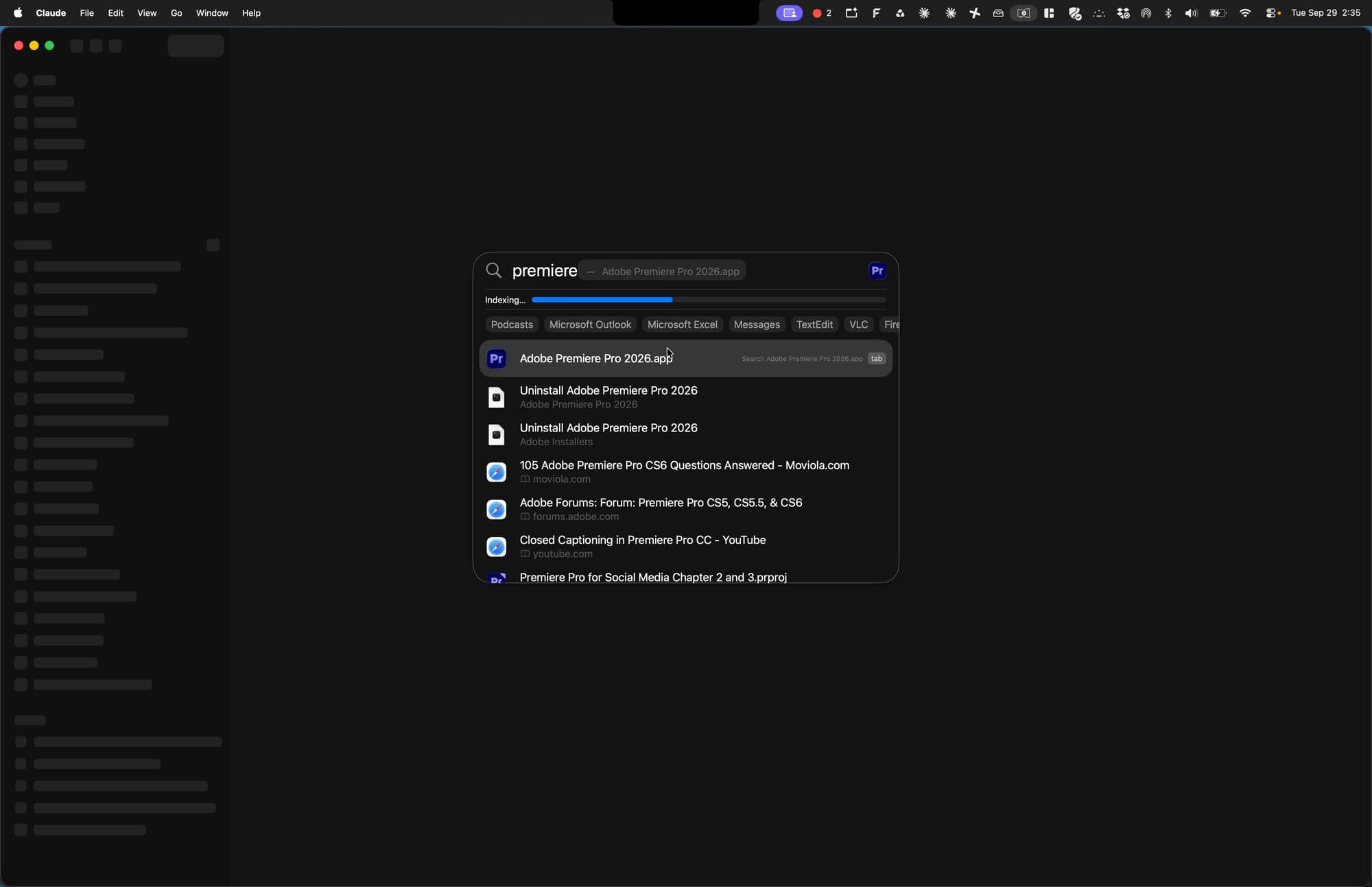
Create a New Project in Adobe Premiere Pro
You'll launch Premiere Pro, name a new project, and save it into its own folder on your Desktop, ready for editing.
Adobe Premiere Pro · Spotlight · 10 steps
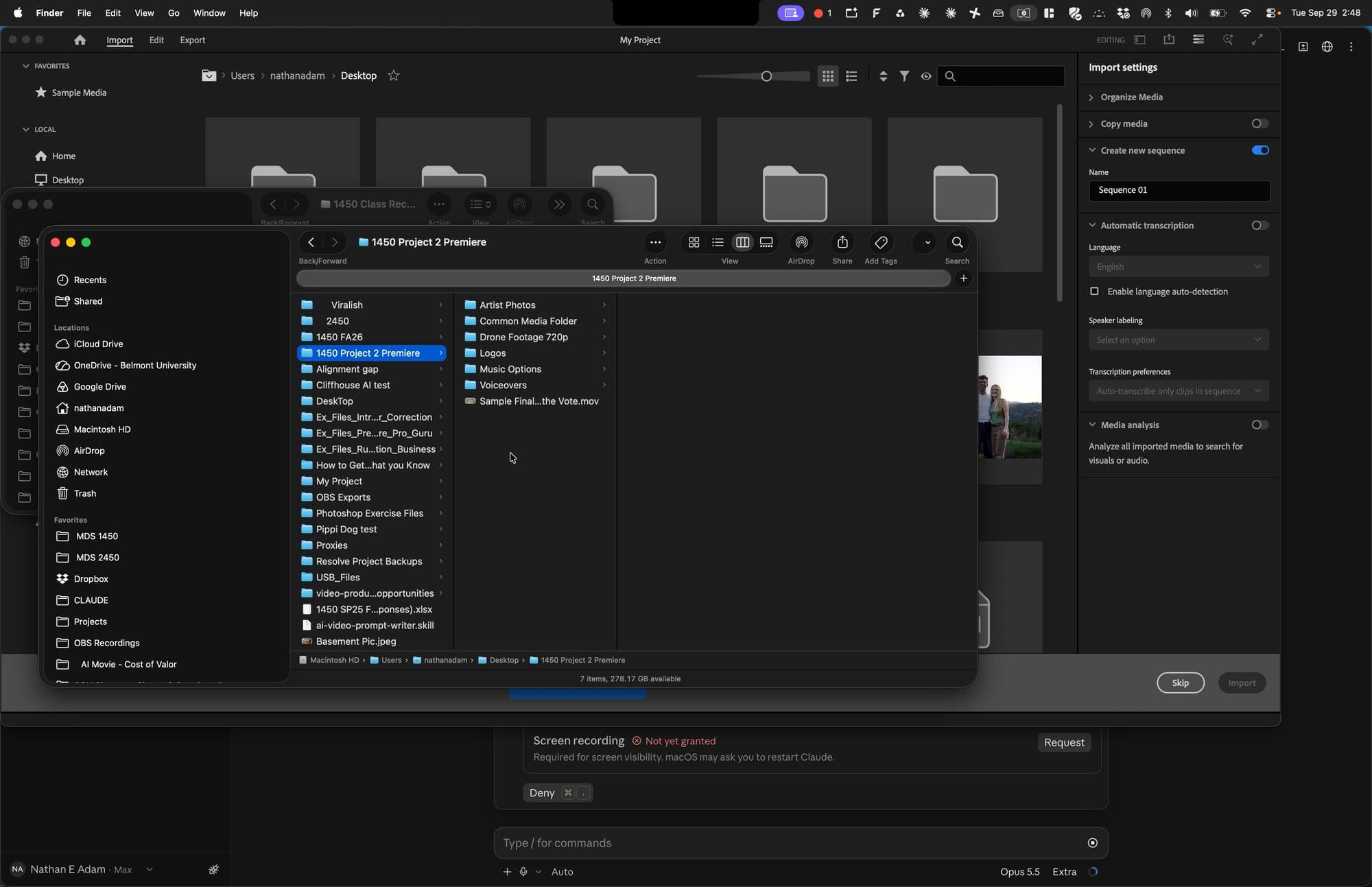
Organize Your Project Media Folder Before Starting in Premiere Pro
You'll rename the Common Media Folder with your own name, preview the artist photos and drone footage with Quick Look, and sort each media folder into the right numbered subfolder. This gets everything ready for a new Premiere Pro project.
Finder · 16 steps